AnyDesk “Connection failed” when connecting to an iPhone or iPad (error 10001)
In short: “Connection failed” with error 10001 when connecting to an iPhone or iPad means the connecting side has no active AnyDesk licence. According to AnyDesk’s help centre, you can connect to iOS and iPadOS only from a licensed client, and connections between two iOS devices are not supported at all.
Why it happens
AnyDesk’s official article gives two reasons:
- connections to iPhones and iPads are possible only from a client with an active AnyDesk licence;
- because of Apple’s restrictions, connecting from one iOS device to another is not supported.
So free AnyDesk on a computer will not connect to an iPhone, and an iPhone will not connect to an iPad even with a licence.
How to fix it in AnyDesk
According to AnyDesk’s help centre:
- Buy a licence if you do not have one.
- Activate it in the AnyDesk app on the computer or Android device you connect from.
- Connect to the iPhone or iPad.
You have to connect from Windows, macOS or Android — not from another iPhone or iPad.
What you can do with an iPhone remotely at all
It helps to know Apple’s own limits: no app can control an iPhone remotely the way you control a computer — iOS does not allow it. Usually the goal is to see the phone’s screen.
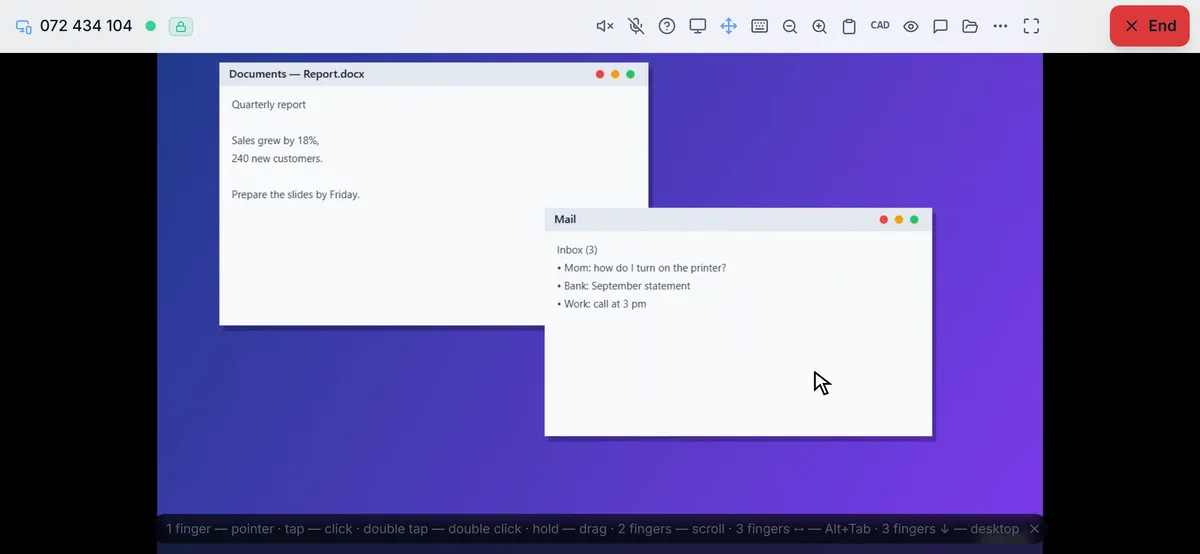
RudyDesk cannot show an iPhone or iPad screen: on an iPhone RudyDesk runs in the browser, and Apple does not let a browser share the phone’s screen. We say so openly on our site. What you can do instead:
- control your computers from an iPhone or iPad — free, right in the browser;
- hold a session with a phone without showing its screen: voice, chat and files work, and on the Business plan and above the camera too — so the person can show you their router or TV screen.
If you really need the iPhone screen
If you really need to see the iPhone’s screen, the option is an AnyDesk licence and a connection from a computer or Android. If the task is to help someone with their computer while you only have an iPhone at hand, RudyDesk does it for free: open rudydesk.com/app in Safari.
Frequently asked questions
Can I connect from an iPhone to an iPad with AnyDesk? No: AnyDesk’s help centre says connections between two iOS devices are not supported.
Will RudyDesk show an iPhone screen? No: Apple does not let a browser share the phone’s screen. You can control computers from an iPhone, and a session with a phone runs without showing its screen.
Do I need a licence to control a computer from an iPhone with RudyDesk? No, it is free on two devices.