RustDesk “Not ready. Please check your connection”: what to do
In short: “Not ready. Please check your connection” means the RustDesk app cannot reach its server — the public one or your own. Most often the network is in the way: blocked ports, a VPN or a proxy. With your own server, a wrong address or key. Below is what to check in order.
Check the network, VPN and proxy
Make sure ordinary websites open on this computer. Turn off any VPN and proxy for a moment and restart RustDesk. If the message is gone, the VPN or proxy was the problem.
Blocked ports
RustDesk does not use the usual website port. According to RustDesk’s documentation, the server uses TCP ports 21114–21119 and UDP 21116. Office, school and university networks often block such ports — then RustDesk stays “Not ready” even though the internet works.
An easy test: connect the computer to your phone’s hotspot. If RustDesk is ready there, the network is the cause, and the administrator has to open the ports.
If you run your own server
- In RustDesk’s network settings, check the “ID Server” and “Key” fields — according to the documentation, these are what a client of your own server needs.
- Make sure the hbbs and hbbr services are running on the server, and TCP 21114–21119 and UDP 21116 are open in its firewall.
- If the server is on the same network as the computer, see the “NAT Loopback issues” section of the documentation: connecting from inside the network to the external address does not work on every router.
- Both devices must point to the same server: one on the public server and one on your own will not find each other.
If nothing helped
If the network blocks non-standard ports and nobody can open them, you need a service that works over ordinary ports. RudyDesk reaches its server over port 443 — the same as websites — and if a direct connection is impossible, it sends encrypted traffic through a relay, including over that same port 443. There is no server to set up.
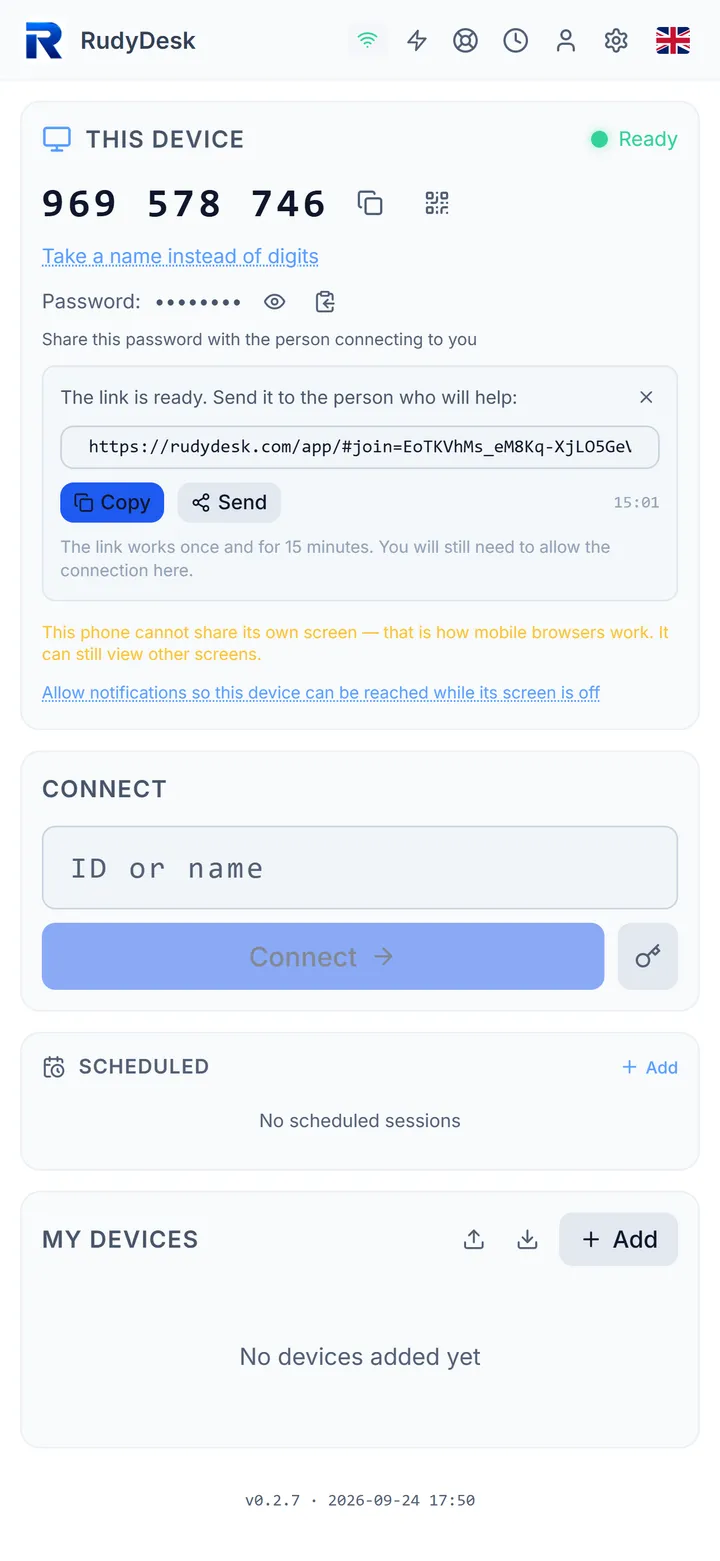
To be fair about the difference: RustDesk’s code is open and you can run your own server; RudyDesk offers neither. A detailed comparison is on the page “RustDesk or RudyDesk”.
Frequently asked questions
Is it the computer or the network? Try a phone hotspot: if RustDesk is ready there, it is the network.
Which ports does RustDesk need? According to RustDesk’s documentation, TCP 21114–21119 and UDP 21116.
Do I need to uninstall RustDesk to try RudyDesk? No, the apps do not interfere with each other.