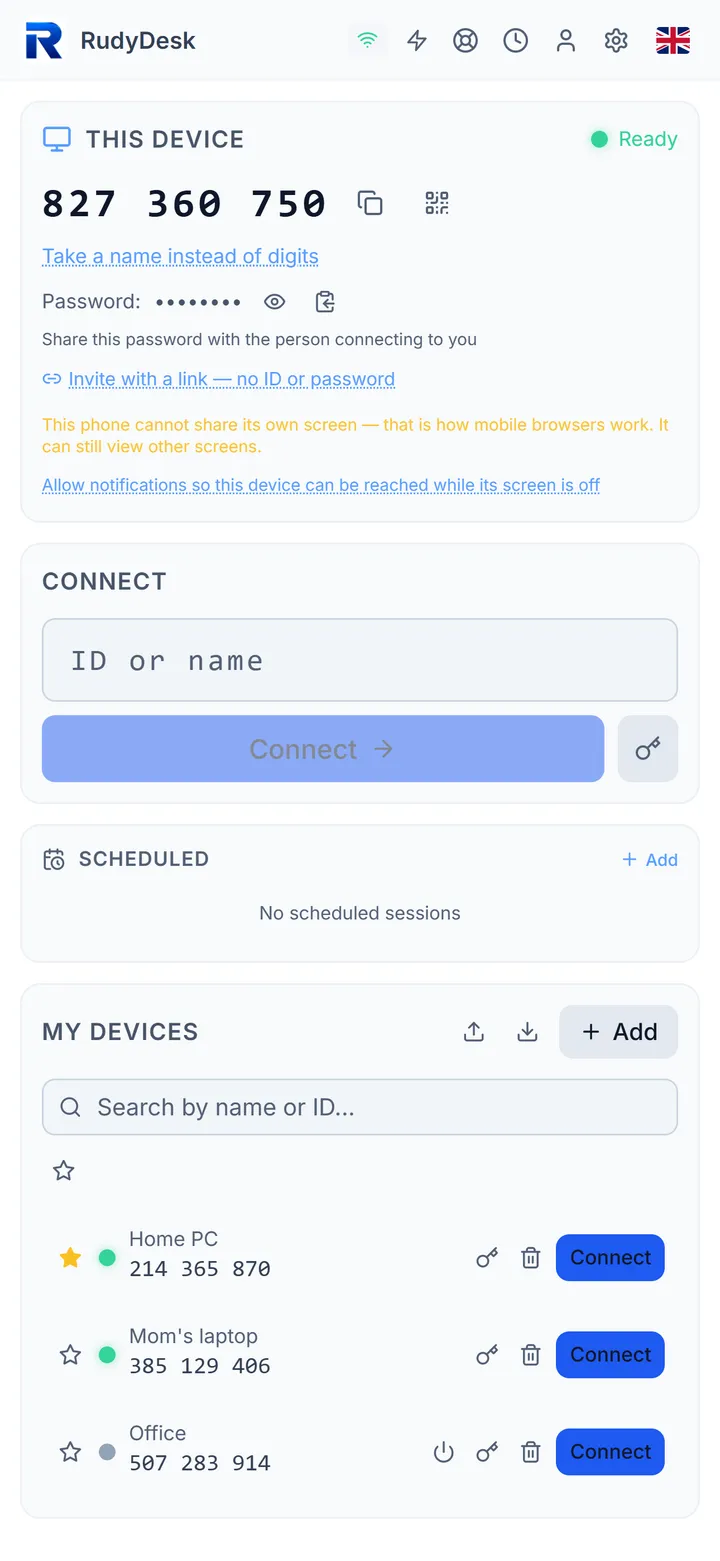
Unattended access to your own computer
Your home or office computer is available at any time — nobody needs to confirm the connection.
How it works
- A permanent device password that never goes to the server or the other side — sign-in is confirmed with a one-time challenge.
- The app starts with Windows and updates itself at night when there are no sessions.
- Devices on one account trust each other, and every session can trigger a message in Telegram, the browser or email.
The honest limits
The Windows sign-in screen and “Allow changes?” prompts are not visible remotely yet — that needs a system service, which is in progress. If the computer is asleep, it has to be woken (see “Wake”).