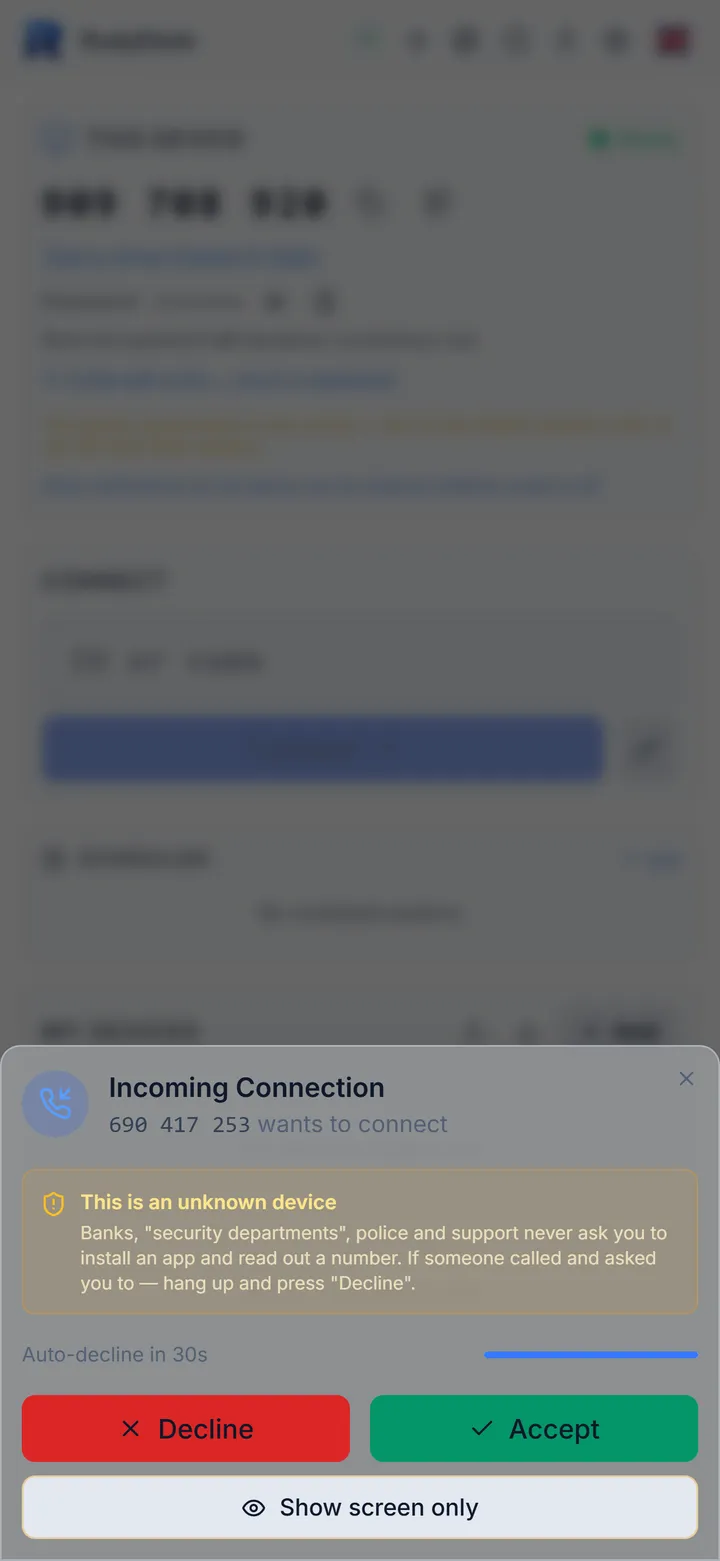
Show the screen only — no control
Sometimes you just want to show, not hand over control. The connection prompt has a “Show screen only” button.
How it works
- Your computer enforces the block: even a modified app on the other side cannot click for you.
- Mouse, keyboard, pasting, files, terminal and power are closed.
- The permission is for one session; control can be granted later with one button.
The honest limits
The other person sees everything on screen — close what they should not see before you start.