Remote desktop in a browser, with nothing to install
In short: you can connect to a computer right from a browser — open rudydesk.com/app, enter the device ID and password, or open an invite link. Nothing needs to be installed on the device you connect from. The computer you want to control does need the RudyDesk app.
When it is handy
- You need your own computer from a work laptop where you cannot install software.
- All you have is someone else’s computer or a tablet.
- You help someone from your phone without installing apps from the store.
How to connect
- On the computer you will connect to, install RudyDesk once from the download page and note the device ID.
- On any other device, open rudydesk.com/app in Chrome, Edge, Safari or Firefox.
- Enter the ID and password — or open the link if someone sent it to you with “Invite with a link”.
- The connection is approved at the computer. Connecting without approval, with a permanent password, is on the Pro plan and above.
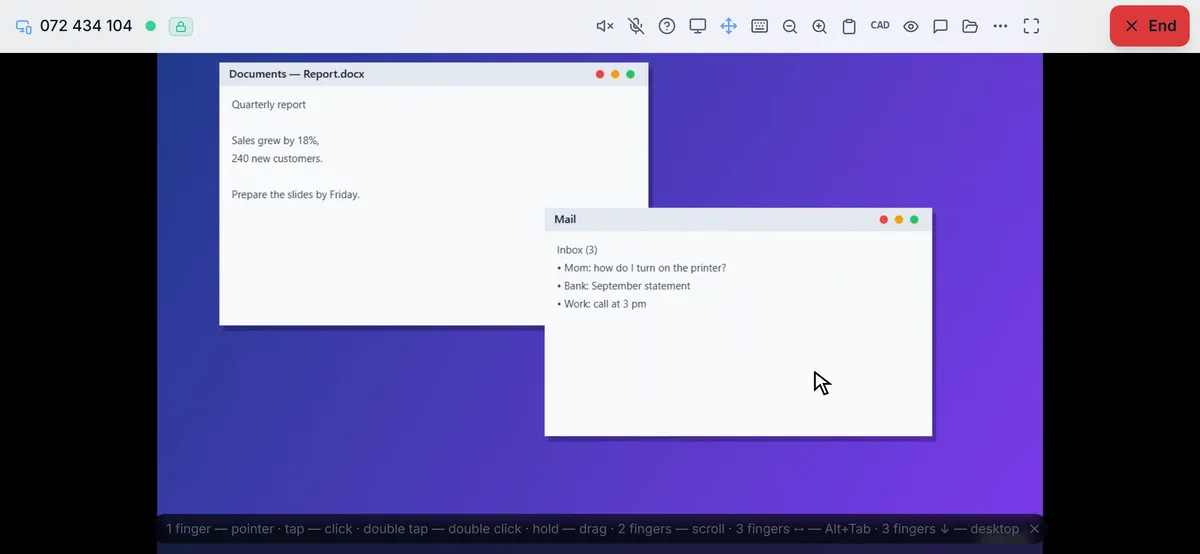
Where the browser’s limits are
For security reasons, browsers do not let web pages move the cursor or press keys. So:
- you can control only a computer that runs the RudyDesk app;
- a computer without the app can only show its screen: open rudydesk.com/app on it and the other person will see the screen but cannot control it.
The side you connect from has no such limits: the mouse, keyboard, files and voice all work from the browser.
What about Chrome Remote Desktop?
Chrome Remote Desktop also runs in a browser, but according to Google’s help it needs a Google account, and software is installed on the computer you connect to as well. The detailed comparison is on the “Chrome Remote Desktop alternative” page.
Is it safe to connect from a browser
Yes: the connection between devices is encrypted just like in the app, and the device password never reaches the server. If you connect from someone else’s computer, do not save the password in the browser and close the tab after the session. More in the article “RudyDesk security”.
Frequently asked questions
Is it free? Yes, two devices are free forever, with no session length limit.
Can I add RudyDesk to my phone’s home screen? Yes, the page installs as an app and opens without the address bar.
Does it work on iPhone? Yes, in Safari. You cannot control the iPhone itself — that is an iOS restriction — but you can control your computer from an iPhone.