Guides
How to install RudyDesk, connect from a phone, help your family and wake a sleeping computer.

How to connect to a computer remotely for free
Three common tasks — reaching your own computer, helping someone else and controlling a computer from your phone — and how to do each one for free, step by step.
4 October 2026
remote accessfreeguide
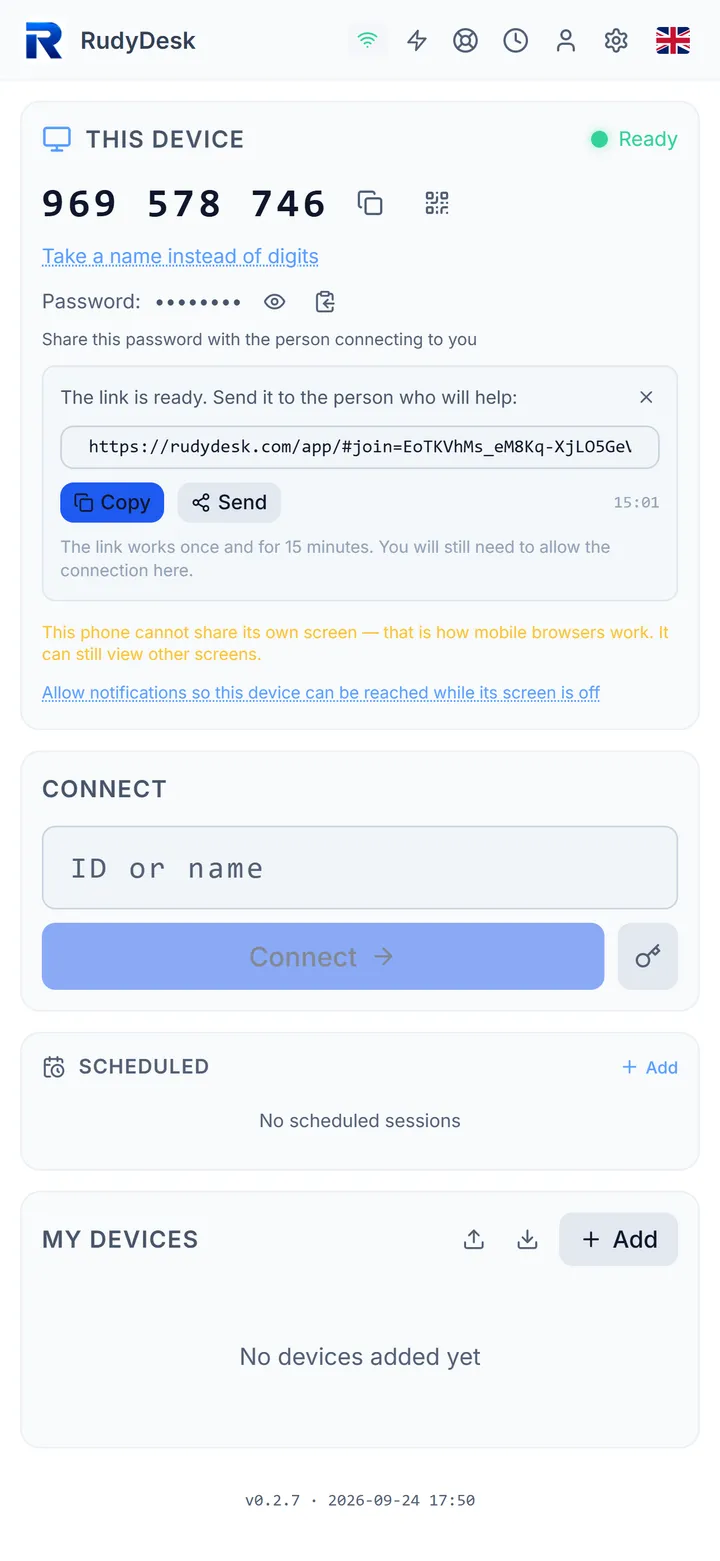
How to help your parents with their computer remotely
Step by step: how to set everything up once so you can help mum or dad by link, without reading out IDs and passwords — and how to protect them from scammers along the way.
4 October 2026
helping parentsremote accessguide
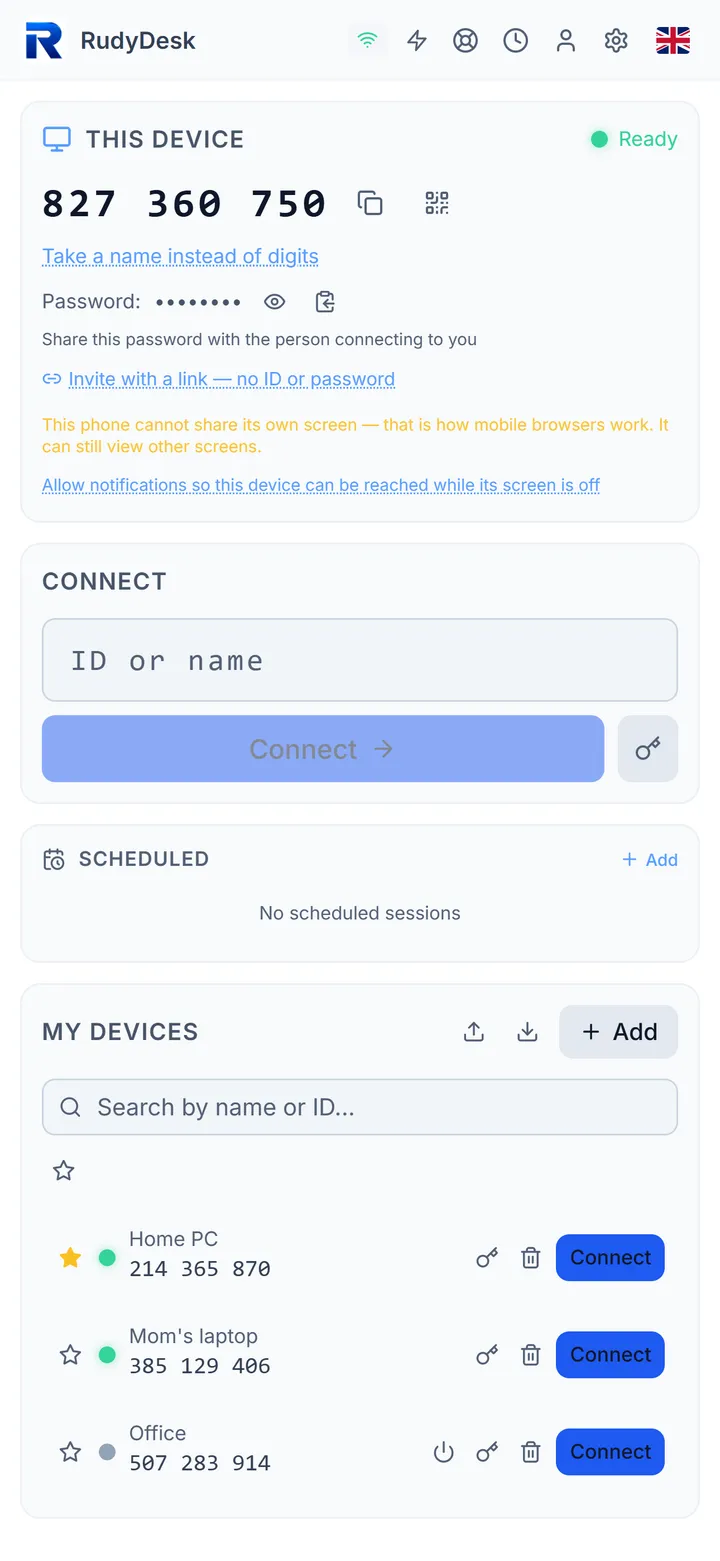
How to control your computer from your phone — free, nothing to install
Connect to your PC from an iPhone or Android right in the browser: what to install on the computer, how mouse, keyboard and voice typing work, and what to do if the computer is asleep.
3 October 2026
phoneremote accessguide
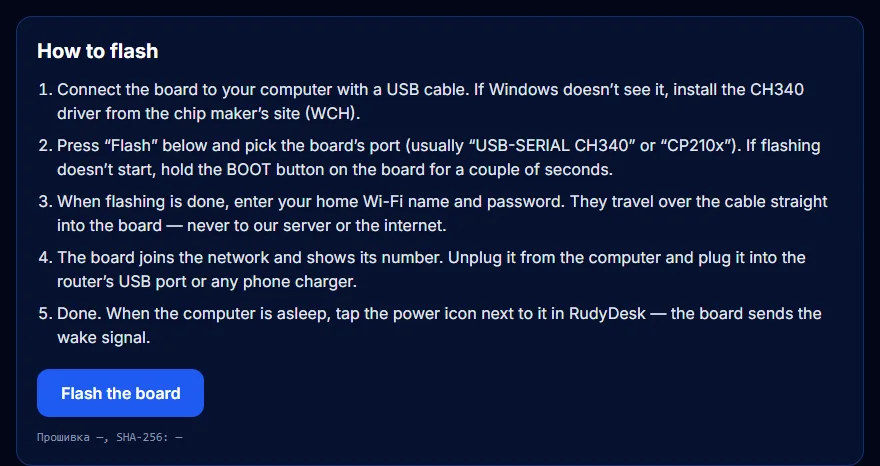
A $5 ESP32 wake bridge: step-by-step guide
Which board to buy, how to flash it right from your browser, set up Wi-Fi and wake a sleeping computer from anywhere. No programming.
3 October 2026
ESP32Wake-on-LANguide
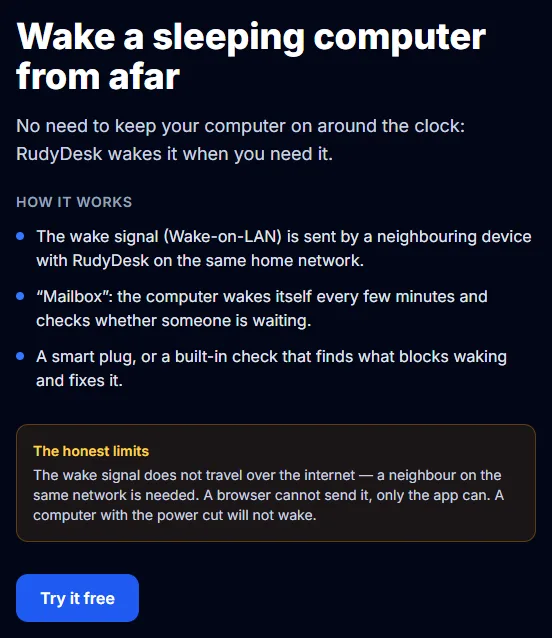
Your computer fell asleep — how to wake it remotely and connect
Why AnyDesk and TeamViewer can’t see a sleeping computer, how Wake-on-LAN works and three ways RudyDesk wakes a PC from afar — with honest limits.
3 October 2026
Wake-on-LANwakeAnyDesk
How to Install RudyDesk on Windows, macOS, Linux and Your Phone
Installing RudyDesk: which file to take for Windows, macOS and Linux, what to allow on first launch, how to open the app on a phone and how to make the first connection.
14 April 2026
guideinstallationtutorial
Controlling a Computer From Your Phone: Gestures, Voice and a Black Screen
How to connect to a computer from an iPhone or Android with RudyDesk, which gestures work, how to talk by voice in the session and how to end the connection properly.
14 April 2026
guidephonecontrol