Blog
Product news, updates, guides and security advice

Best free remote desktop software in 2026: an honest comparison
AnyDesk, TeamViewer, Chrome Remote Desktop, RustDesk, TightVNC and RudyDesk: what is actually free, where the limits are and who each one suits. Facts from the official sites only.
4 October 2026
comparisonfreeremote access
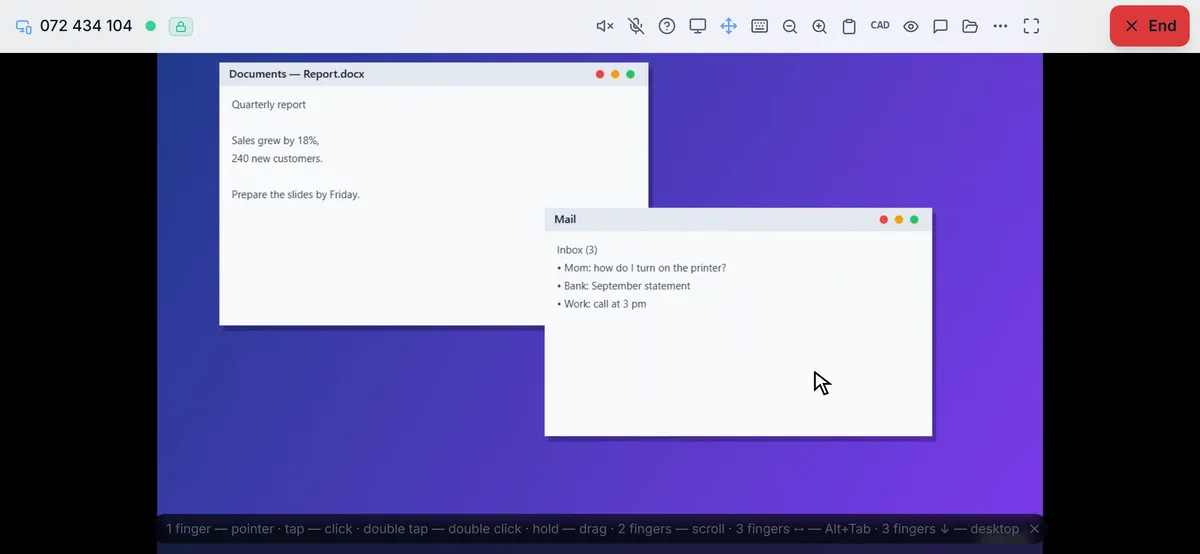
Remote desktop in a browser, with nothing to install
How to connect to your computer from Chrome, Edge, Safari or Firefox without installing anything on the device you connect from — and where the browser’s limits are.
4 October 2026
remote accessbrowserno install
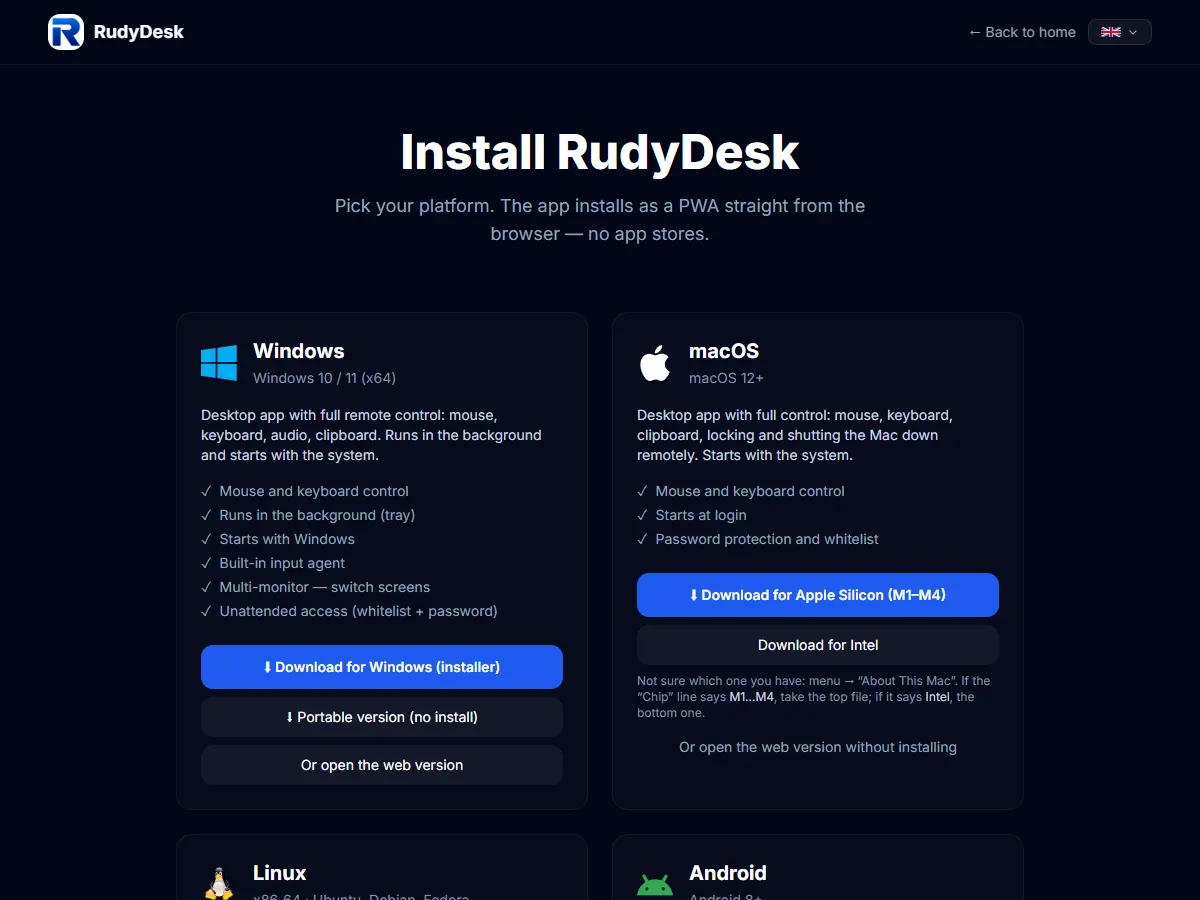
How to connect to a computer remotely for free
Three common tasks — reaching your own computer, helping someone else and controlling a computer from your phone — and how to do each one for free, step by step.
4 October 2026
remote accessfreeguide
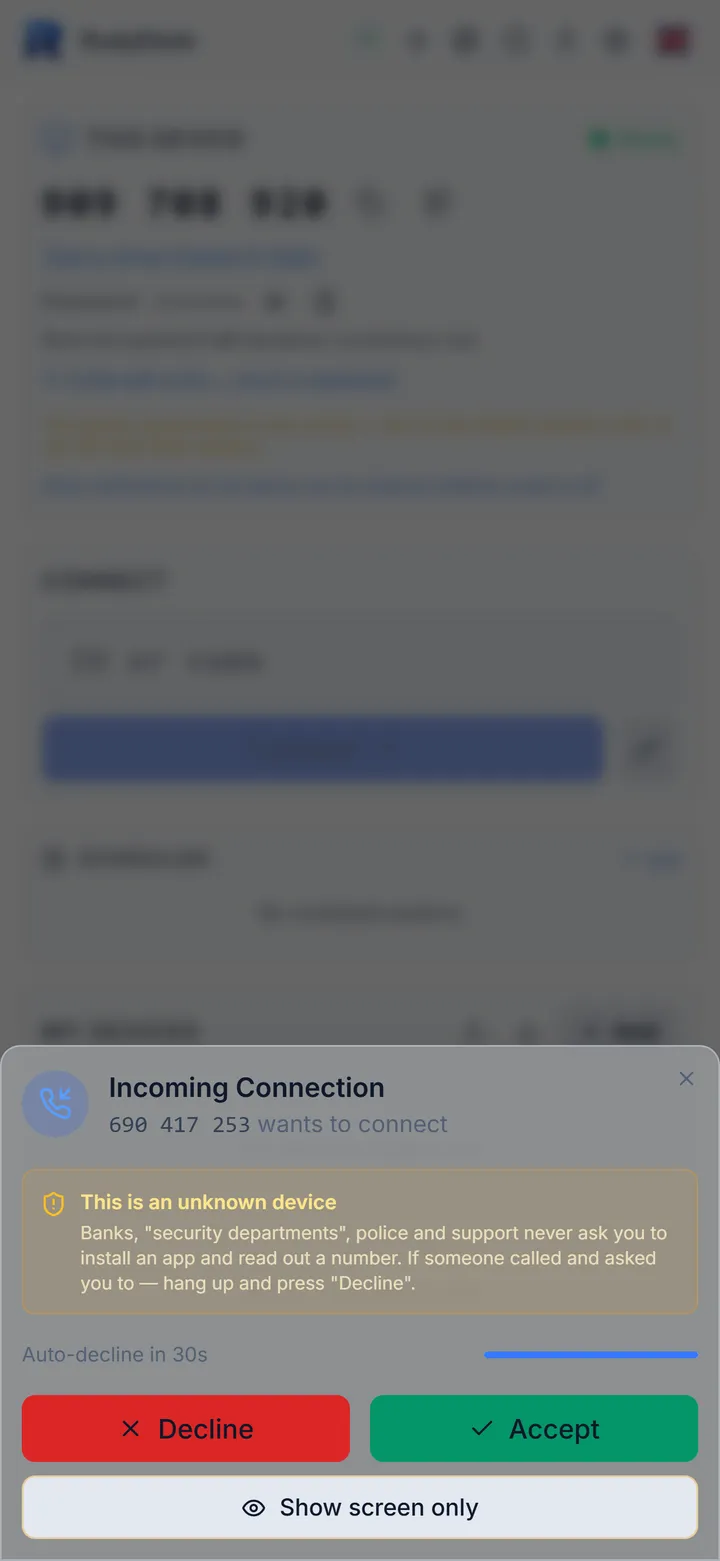
Remote access scams: how to stop anyone controlling your computer
How the “bank security” and “tech support” scam works, how to recognise it and what to do if you have already given access. Simple rules for you and your parents.
4 October 2026
securityscamsremote access
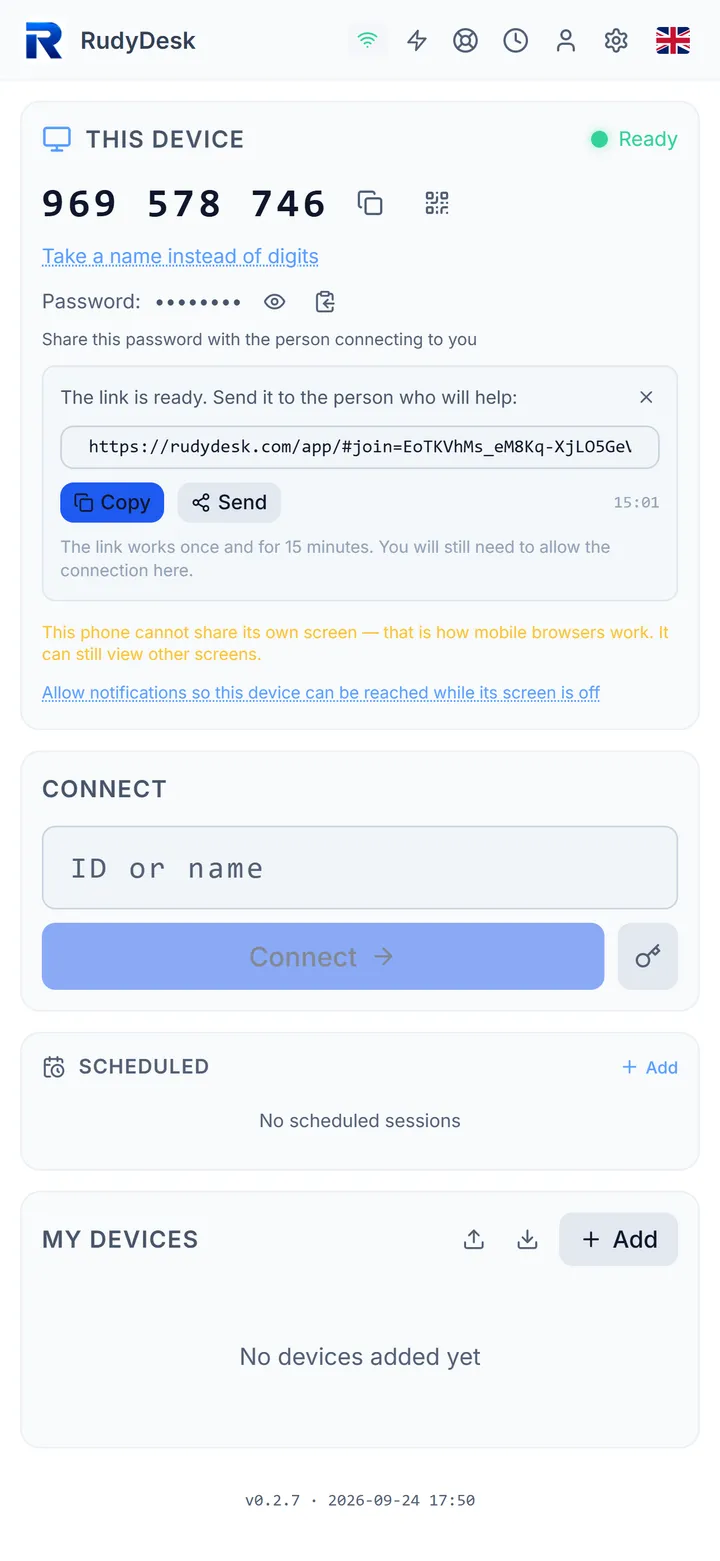
How to help your parents with their computer remotely
Step by step: how to set everything up once so you can help mum or dad by link, without reading out IDs and passwords — and how to protect them from scammers along the way.
4 October 2026
helping parentsremote accessguide
RustDesk “Not ready. Please check your connection”: what to do
Why RustDesk says “Not ready” and will not give you a connection: the network, blocked ports, a wrong address or key of your own server. What to check in order — based on RustDesk’s documentation.
4 October 2026
RustDesknot connectingguide
TeamViewer, AnyDesk or RudyDesk: which to choose for home use
An honest comparison for home tasks — helping parents, reaching your own PC, connecting from a phone: what is free, when you need a licence, what it costs and what each service cannot do.
4 October 2026
TeamViewerAnyDeskcomparison
Chrome Remote Desktop not connecting: what to check
What to do when Chrome Remote Desktop will not connect: which ports your antivirus must allow, why work networks and managed accounts get in the way, and how the access code works — based on Google’s…
4 October 2026
Chrome Remote Desktopnot connectingguide
AnyDesk “Connection failed” when connecting to an iPhone or iPad (error 10001)
Why AnyDesk will not connect to an iPhone or iPad, what the official help centre says, why one iPhone cannot connect to another — and what you can really do with a phone remotely.
4 October 2026
AnyDeskiPhoneiPad
AnyDesk not connecting: causes and fixes
AnyDesk messages explained using the official help centre: “not connected to the server”, codes win32_10060 and 11001, “AnyDesk’s window must be open”, desk_rt_27, Wayland — and what to check in…
4 October 2026
AnyDesknot connectingerrors
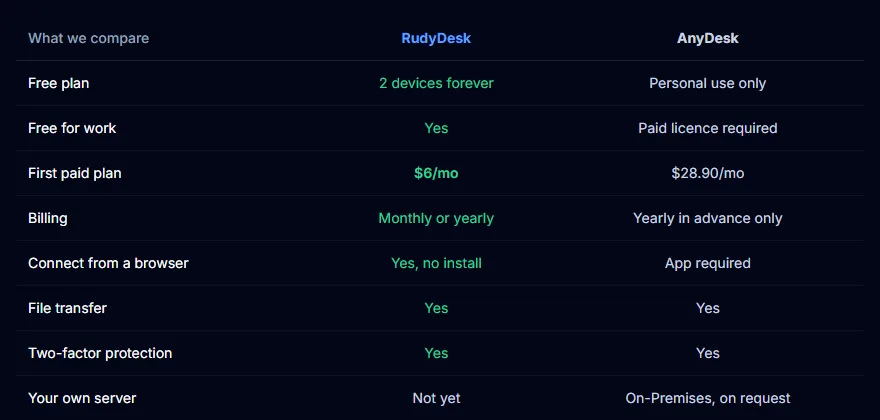
AnyDesk asks you to buy a licence: “commercial use” — what to do
When free AnyDesk is enough and when you need a licence, who exactly needs it under AnyDesk’s rules, what it costs and what to use instead if you just help your family.
4 October 2026
AnyDesklicencecommercial use
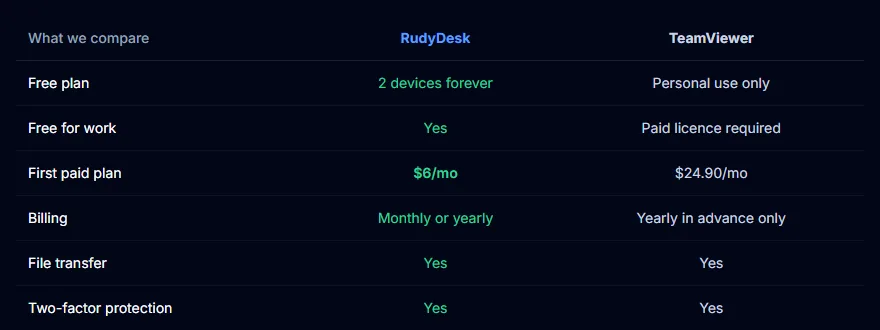
TeamViewer “commercial use suspected”: what to do
Why free TeamViewer suddenly cuts your sessions, how to file a reset request following the official instructions, how long to wait and what to do if the limit keeps coming back.
4 October 2026
TeamViewercommercial useguide
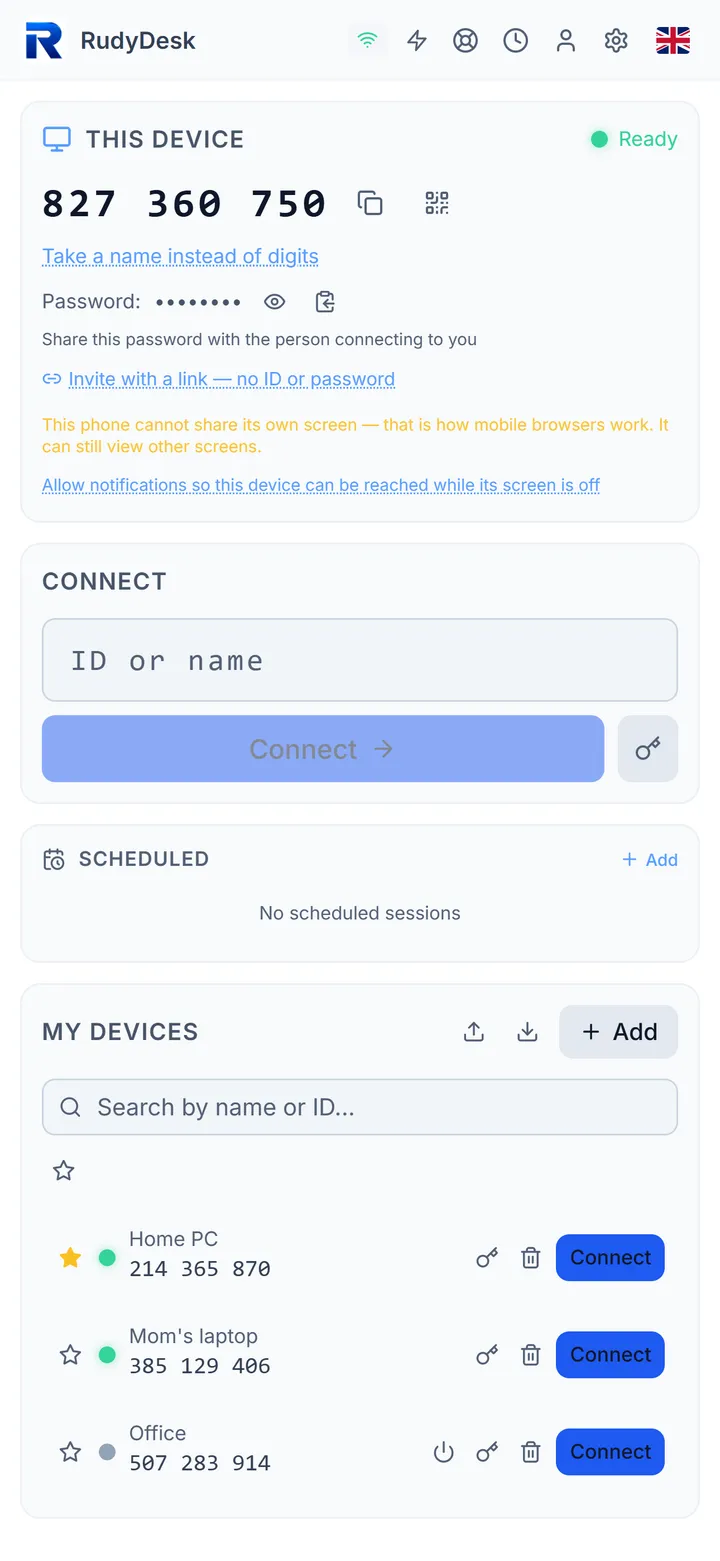
How to control your computer from your phone — free, nothing to install
Connect to your PC from an iPhone or Android right in the browser: what to install on the computer, how mouse, keyboard and voice typing work, and what to do if the computer is asleep.
3 October 2026
phoneremote accessguide

A $5 ESP32 wake bridge: step-by-step guide
Which board to buy, how to flash it right from your browser, set up Wi-Fi and wake a sleeping computer from anywhere. No programming.
3 October 2026
ESP32Wake-on-LANguide
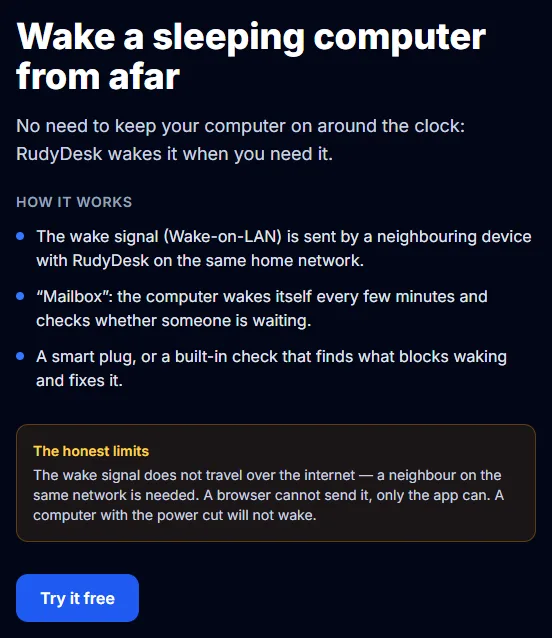
Your computer fell asleep — how to wake it remotely and connect
Why AnyDesk and TeamViewer can’t see a sleeping computer, how Wake-on-LAN works and three ways RudyDesk wakes a PC from afar — with honest limits.
3 October 2026
Wake-on-LANwakeAnyDesk
AnyDesk and TeamViewer: common problems and how RudyDesk solves them
Cut-offs for “commercial use”, installing on both sides, breaches of the services themselves, scammers and a sleeping computer — what RudyDesk does about each and what it cannot do yet.
3 October 2026
AnyDeskTeamViewercomparison
How to Install RudyDesk on Windows, macOS, Linux and Your Phone
Installing RudyDesk: which file to take for Windows, macOS and Linux, what to allow on first launch, how to open the app on a phone and how to make the first connection.
14 April 2026
guideinstallationtutorial
Controlling a Computer From Your Phone: Gestures, Voice and a Black Screen
How to connect to a computer from an iPhone or Android with RudyDesk, which gestures work, how to talk by voice in the session and how to end the connection properly.
14 April 2026
guidephonecontrol
RudyDesk Security: What Is Protected, What the Server Sees and What Is Up to You
How RudyDesk protects remote connections: device-to-device encryption, a password that never reaches the server, owner consent, a scam warning, a session code and signed updates.
12 April 2026
securityencryptionprivacy
What RudyDesk Can Do Today: Remote Access From Your Browser (v0.2.7)
RudyDesk in September 2026: connect by number or a one-time link, protection against phone scammers, voice in the session, waking a sleeping computer and signed updates. What is free and what is…
10 April 2026
overviewfeaturesnews